Start With What Todoist Is Missing
Todoist is a strong starting point for organizing tasks, but its clean design does not suit every planning style. Some users need a clearer calendar view, built-in time blocking, simpler notes, or more flexible project tracking. Others find that features such as filters, labels, priorities, and recurring tasks become difficult to manage once a routine grows more complicated.
That gap matters when choosing an alternative. Replacing Todoist with a more powerful app may solve one limitation while adding setup work, visual clutter, or a higher subscription cost. A better comparison begins with the missing capability that affects your daily workflow most. Identify whether the real issue is planning dates, capturing information, sharing work, or simply keeping tasks easy to review.
Choose the Right Level of Simplicity
Simplicity is not the same as having fewer features. For one person, a simple app may mean a short task list with quick capture and almost no configuration. For another, it may mean a calendar, reminders, notes, and shared projects presented in a way that remains easy to understand. The right choice depends on how often you plan, how many projects you manage, and whether other people need access.
A lightweight alternative works well when most tasks are personal, short, and independent. It can reduce the time spent sorting labels, adjusting views, or maintaining complex project structures. However, that simplicity may become restrictive if you need dependencies, detailed task notes, recurring workflows, or clear ownership across a team. More capable apps handle those needs, but they usually require more setup and may make everyday planning feel slower.
Compare alternatives by asking what you will use every week, not by counting feature lists. The best fit should make common actions—adding a task, checking priorities, changing a due date, and reviewing progress—feel obvious. Extra capability is useful only when it removes friction rather than creating another system to manage.
Best Everyday Replacements for Todoist
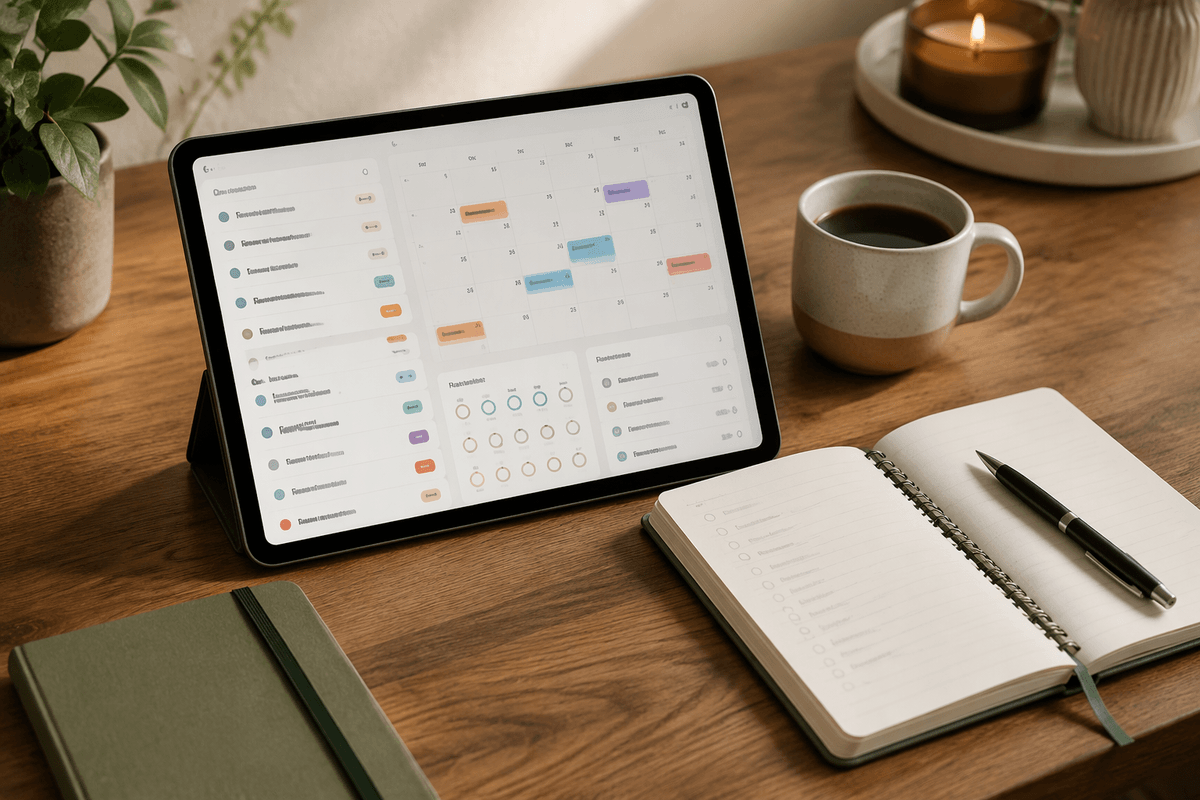
For a simpler personal setup, Microsoft To Do is a practical choice. Its My Day view, recurring reminders, subtasks, notes, and shared lists cover everyday planning without requiring much configuration. It is especially suitable if you already use Outlook or Microsoft 365. Google Tasks offers a similarly restrained experience for people who live in Gmail and Google Calendar. Tasks created from email can retain their context, while dated items can appear alongside scheduled events. The trade-off is that both apps are better for straightforward lists than for detailed project management or advanced filtering.
TickTick is a stronger middle ground when Todoist feels too limited but full project software feels excessive. It combines tasks with calendar views, tags, reminders, and habit tracking, making it useful for people who plan both appointments and personal routines. Apple users may prefer Things, particularly when they want a polished interface, projects, areas, and tags without team-oriented features. Its main limitation is platform coverage and a typically higher upfront cost. For lightweight collaboration, Microsoft To Do is more practical; for individual planning, Things or Google Tasks may feel less demanding.
When Calendars and Tasks Need to Work Together
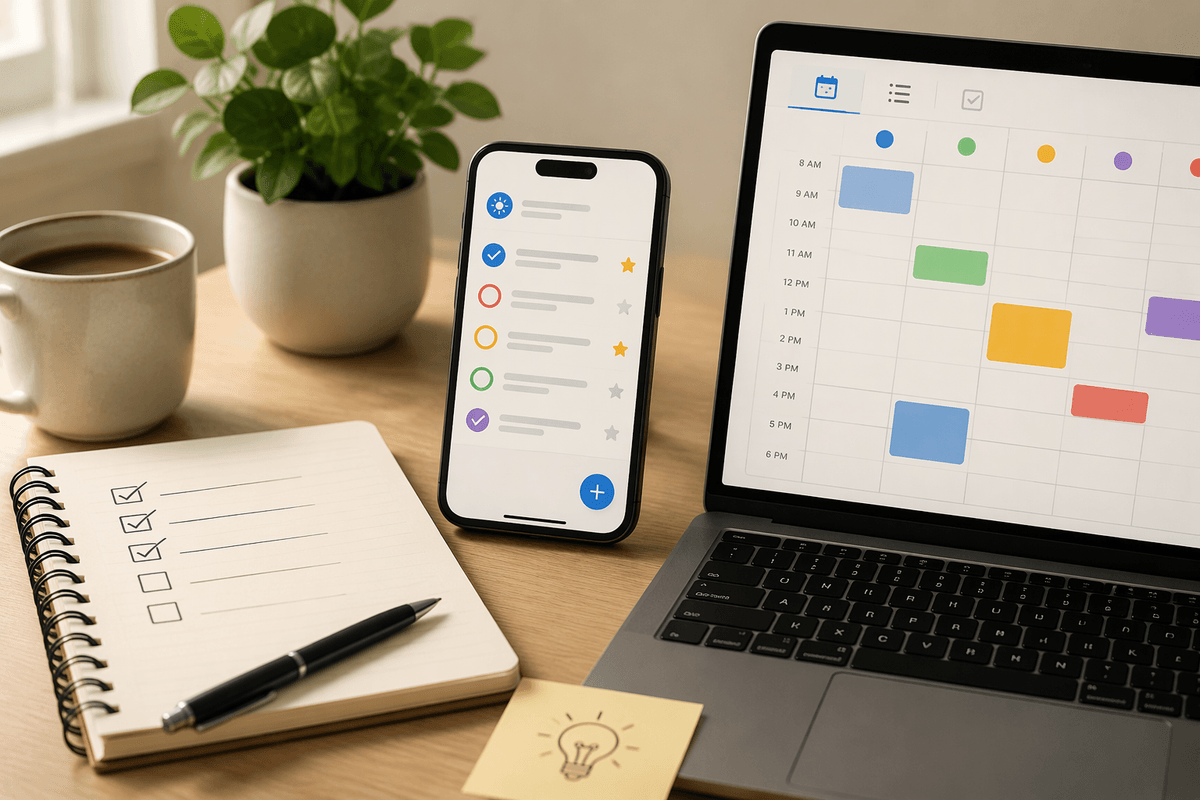
Many people do not struggle with task capture; they struggle with deciding when the work will actually happen. A task list can show that a report, workout, or household errand is unfinished, but it does not always reveal whether the day has enough available time. An alternative with calendar integration can connect the obligation to a specific block, making overloaded schedules easier to spot before commitments pile up.
TickTick is useful when you want tasks, appointments, and time blocking in one place. Microsoft To Do can work well alongside Outlook for users who prefer separate task and calendar views, while Google Tasks is a natural fit for people already planning in Google Calendar. These combinations reduce the need to copy dates between apps, but they are not identical to a full scheduling system. Calendar integration may still require manual adjustments when meetings move, priorities change, or a task takes longer than expected.
Choose this approach when dates and available time influence each other. If you mainly need reminders and a short list of next actions, built-in calendar features may add unnecessary maintenance.
Power Without Losing the Clean Interface
Some users need more structure than a basic task list provides, but they do not want to manage a full project system. In that middle ground, apps such as Any.do, TickTick, and Notion can add useful depth without forcing every task into a complex workflow. Any.do keeps capture, reminders, and shared lists fairly approachable. TickTick adds tags, priorities, habits, and calendar views while keeping routine actions easy to find. Notion offers flexible pages, databases, and notes, which can support projects that combine tasks with reference material.
The difference is how much structure each app expects you to maintain. TickTick is usually easier for daily planning because its task features are ready to use, while Notion can require templates, database fields, and regular cleanup before it feels efficient. That flexibility also creates a risk: a system built to track everything may take longer to review than the work itself. Look for features that support your actual decisions, such as recurring tasks, useful grouping, or shared ownership. Avoid adding custom views and categories unless they make priorities clearer at a glance.
Check the Practical Trade-Offs Before Switching
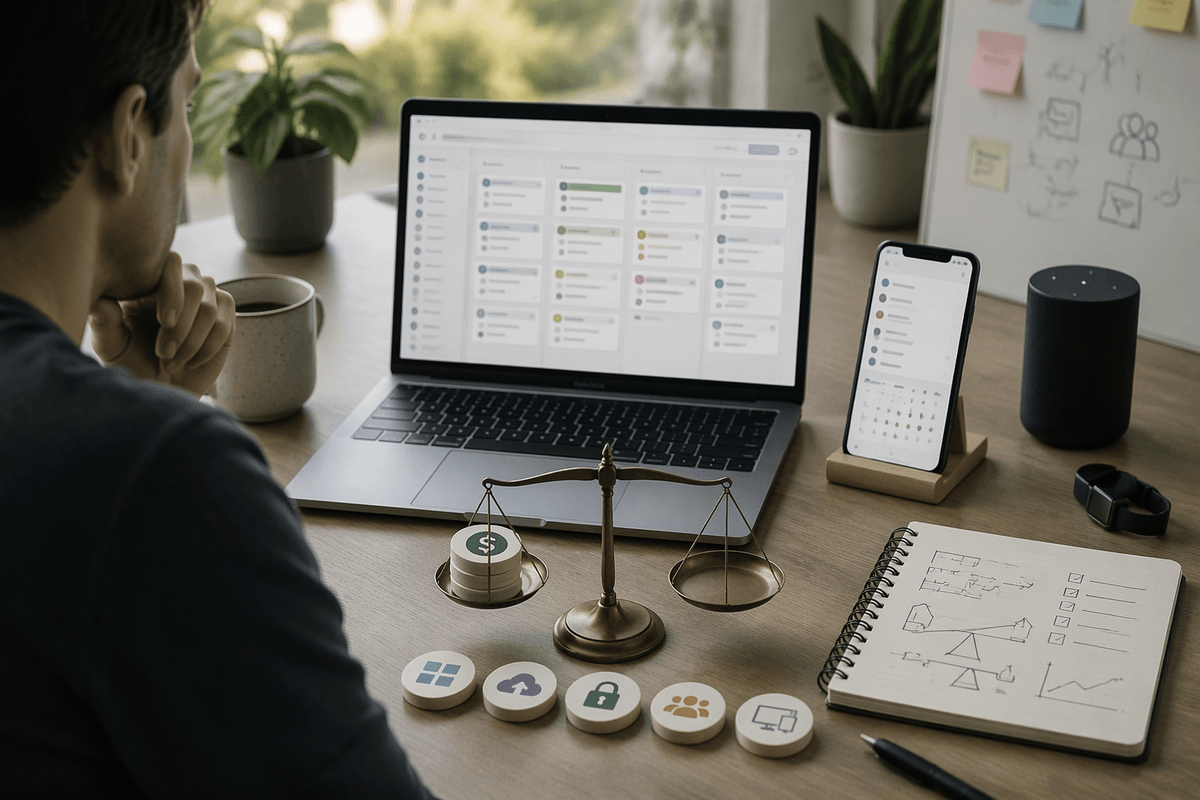
Before switching, compare the practical details that do not appear in screenshots. Check which devices and platforms are supported, whether important features are limited to paid plans, and how easily you can move existing tasks, projects, and recurring items. A low-cost app may become less attractive if it requires separate tools for notes, calendars, or collaboration. Likewise, a powerful replacement may cost more in time because you must rebuild your lists, learn new shortcuts, and maintain additional settings.
Collaboration deserves a close look even for mostly personal planning. Shared lists, comments, assignments, and permissions vary widely, and a feature that works for a household may feel inadequate for a small workgroup. Privacy and account requirements can matter as well, particularly if personal and professional tasks need to stay separate. Test the actions you perform most often before committing: capture a task, schedule it, change its priority, complete a recurring item, and find it again later.
A short trial is more useful than a feature comparison alone. Use the candidate during a busy week, when rescheduling and incomplete tasks reveal friction. Switching is worthwhile only when the replacement reduces recurring effort, not merely when it offers a longer list of capabilities.
Pick the App That Matches Your Routine
The best Todoist alternative is the one that fits the way you already plan. Choose Microsoft To Do or Google Tasks when you want quick capture, reminders, and minimal setup. Consider TickTick when calendar planning, habits, and stronger organization matter. Things suits individual Apple users who value polish, while Any.do or Notion may work better when shared lists or project context are important.
Make the decision using your recurring routine, not an idealized feature list. If you rarely review complex projects, advanced databases will add work without adding value. If deadlines, appointments, and collaboration regularly overlap, a basic list may leave important gaps. The right app should make planning easier to maintain, even when your week becomes busy.