Why Your Doorbell Footage Can Disappear
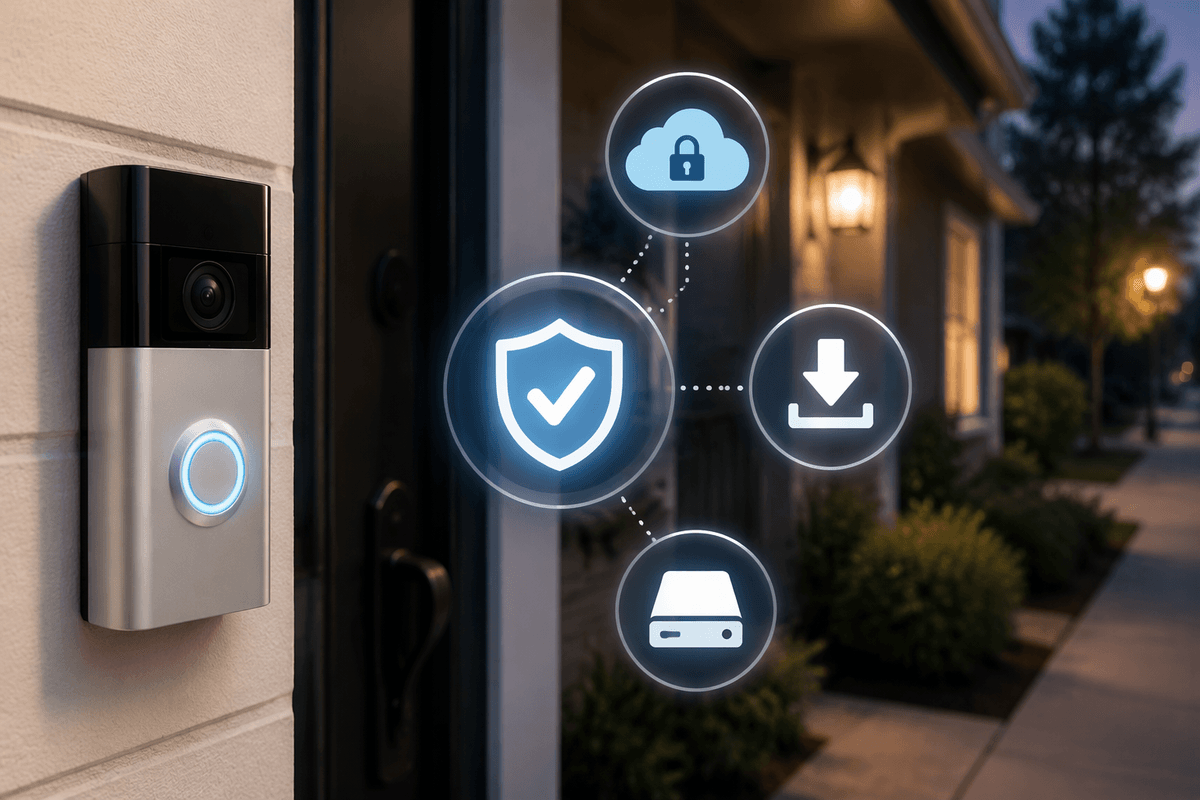
Many Ring owners assume that once a doorbell records an event, the video will remain available indefinitely. In practice, recordings can disappear when a subscription ends, a trial period expires, or the storage policy removes older clips. A motion event may also be missed if the camera loses power, Wi-Fi, or access to the Ring account.
Footage can become difficult to use even when it has not been deleted. Important moments may be mixed with dozens of routine alerts, and a clip saved only in the app may be unavailable if the account is locked or the device is damaged. Cloud storage is convenient, but it depends on an active account and Ring’s retention rules. Preserving critical recordings requires more than leaving them in the event timeline.
First, Check How Ring Stores Recordings
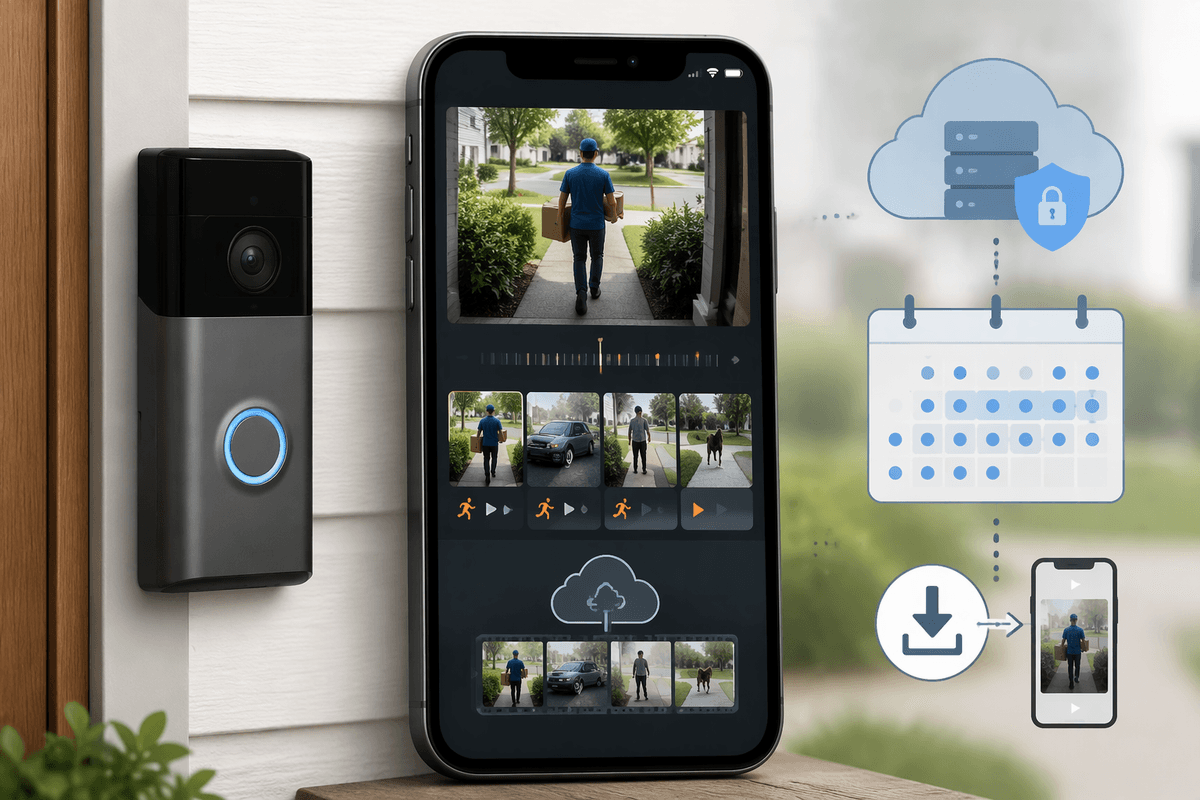
Before choosing a backup method, open the Ring app and confirm where your recordings are being stored. Ring footage is generally tied to the account and its available recording plan, rather than saved permanently on the doorbell itself. Check whether your device is covered by an active subscription or trial, how long recordings remain available, and what happens when that access ends.
Look at the event timeline as well as the account settings. Confirm that motion and doorbell events are being recorded, and check whether recording access depends on a shared user, payment method, or expired plan. A clip that plays today may not remain available after the retention period, and changing plans may affect access to older footage. These details determine whether cloud storage alone is sufficient. If a recording could matter later—such as footage of damage, theft, or a delivery—treat it as temporary until you download it or copy it elsewhere.
Way One: Use Ring’s Cloud Recording Features
If you want the least complicated option, keep important events inside Ring’s cloud recording service while your account has access to it. An active recording plan can preserve motion and doorbell events for the plan’s retention period, making them available across the Ring app and supported devices. Review the recording settings for each camera, because a plan may not cover every device or every type of event automatically. Also confirm that motion detection, Live View recording, and other features you rely on are enabled.
Cloud storage works best when you review it regularly instead of treating it as permanent evidence. After an incident, mark the relevant clip and download it promptly, even if you expect to keep using the subscription. Check the account’s renewal status, payment method, and retention deadline so a failed payment or expired trial does not remove your access unexpectedly. Cloud recording is convenient and usually requires little equipment, but it still depends on Ring’s policies, your internet connection, and continued account access. For footage that may be needed for insurance, police, or a dispute, use cloud storage as the first layer—not the only copy.
Way Two: Download Important Clips Immediately
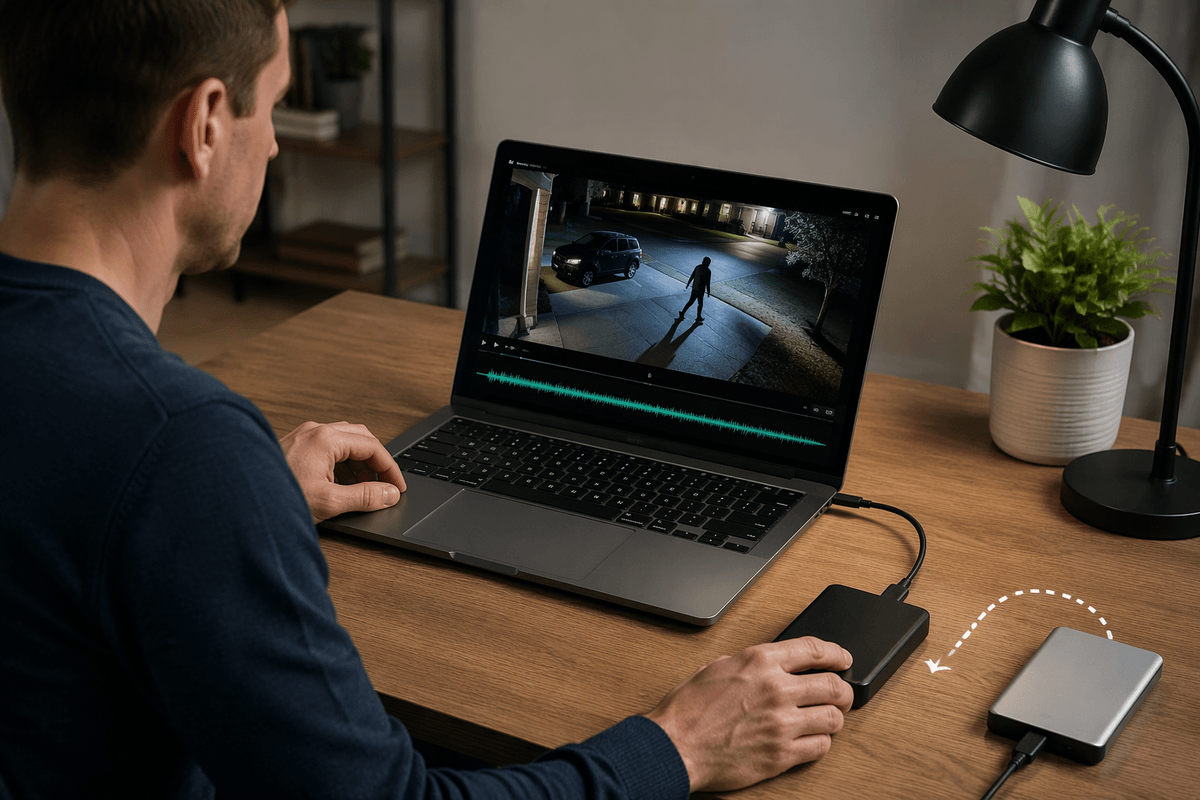
When a recording may be useful later, download it as soon as you identify it. In the Ring app, open the event, use the download or save option, and wait for the file to finish processing before closing the screen. Do not assume that marking a clip as a favorite protects it from deletion; that usually keeps it organized inside the account rather than creating an independent copy. Play the downloaded file afterward to confirm that it contains the complete event and has usable audio.
Save the clip somewhere you can reach without relying on the Ring app, such as your phone’s protected storage or a computer. Give it a clear filename that includes the date, approximate time, camera location, and event type. If the footage may support an insurance claim or police report, keep the original file unchanged and make a second working copy for sharing. Downloading has practical limits: a phone may lack storage, transfers can fail over a weak connection, and the app may require account access while the clip is still available. For especially important footage, copy the downloaded file to a separate drive or secure backup service.
Way Three: Keep a Separate Backup Copy
A downloaded clip is safer when it exists in more than one place. Copy important Ring footage from your phone or computer to a separate location, such as an external drive, a home network storage device, or a reputable encrypted backup service. Keep the backup account protected with a strong, unique password and multifactor authentication. If the original device is lost, damaged, or infected with malware, a second copy gives you another way to retrieve the recording.
Use a simple folder structure so you can find footage quickly. Organize files by year, address, camera, or incident, and preserve the original filename or add the date and time to a new one. Check a few backup files by opening them from the backup location; a file that was copied incompletely may not play later. Avoid keeping every copy connected to the same computer all the time, because ransomware, theft, or accidental deletion can affect connected storage together.
Separate backups require maintenance. Drives can fail, cloud services can change terms, and large video files consume space. For the most important recordings, keep one local copy and one separate copy that is not continuously connected.
Protect the Account Behind the Camera
A backup cannot help if you cannot access the Ring account that controls the camera. Use a strong, unique password for the Ring account, and do not reuse it for email, shopping, or other smart-home services. Turn on multifactor authentication so a stolen password alone is not enough to sign in. Keep the recovery email address and phone number current, because an outdated recovery method can delay access when footage is most important.
Review the account’s authorized users and remove anyone who no longer needs access. Shared users may be useful for family members, but each person should have only the permissions required for their role. Be cautious with unexpected sign-in alerts, password-reset messages, or requests for verification codes. Never share a multifactor code with someone who contacts you unexpectedly. Also protect the phone or computer used to manage Ring with a screen lock and current software. These steps reduce the chance that someone changes settings, deletes clips, or blocks you from downloading them. Account security adds a small amount of setup and occasional maintenance, but it protects every recording stored under that account—not just the clips you have already backed up.
Choose the Safest Routine for Your Home
The safest routine is to combine all three methods according to the importance of the footage. Let Ring’s cloud storage handle ordinary events, download clips immediately when they involve damage, theft, threats, or a disputed delivery, and place those files in a second secure location. For a small household, a monthly account check and an external drive may be enough. If several people manage the property or incidents are more likely, use automatic backup storage and review access more often.
Do not wait until after an incident to test the process. Download a sample event, play it from the saved location, confirm that the backup opens, and check that recovery details and multifactor authentication still work. This routine takes a few minutes, but it prevents a temporary Ring recording from becoming your only copy—and disappearing before you need it.