Start With the Renovation You’re Planning
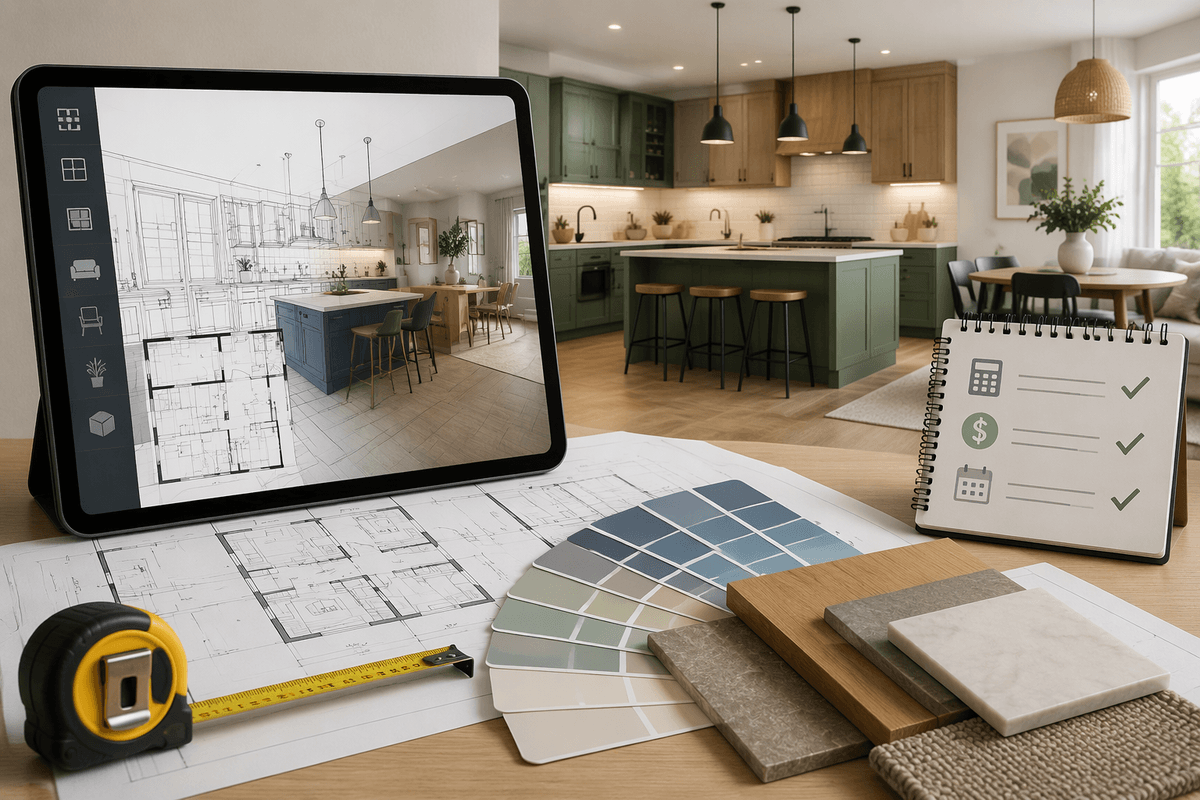
Before comparing renovation apps, define the job the app must help you complete. A homeowner replacing kitchen cabinets may need accurate measurements, a workable floor plan, and material estimates. Someone refreshing a bedroom may care more about testing paint colors, furniture arrangements, and lighting. A renter planning a temporary update may need a simple visualizer rather than tools for structural changes.
The project’s scale also affects how much complexity is useful. Small decorating decisions can be handled quickly with an easy visualization app, while a full remodel may require separate tools for layouts, budgets, shopping lists, and task coordination. No single app is equally strong in every area, and detailed features often require more time to learn or may sit behind a paid plan. Start by identifying the decisions you need to make, then judge each app against those needs.
Which Planning Problems Need Solving First?
Most renovation frustration starts before any work begins, when several decisions are mixed together. A room may look attractive in an app but fail when furniture blocks a doorway, appliances cannot open fully, or a planned material exceeds the budget. Separate the problems first: measuring the space, arranging rooms, comparing finishes, calculating quantities, tracking costs, or coordinating tasks. Each problem calls for a different kind of tool.
Accuracy usually matters most when the project involves fixed features such as walls, cabinets, plumbing, electrical outlets, or built-in storage. A layout app can expose clearance problems early, but it is only as reliable as the measurements entered. Visual design tools are more useful when the main uncertainty is appearance, such as choosing between flooring colors or testing furniture styles. Budget and task features become more valuable as the project adds contractors, multiple rooms, or many purchases. Trying to force one app to handle every decision can create extra work, especially when its strongest features are locked behind a subscription or require detailed setup.
Compare Apps by Their Main Strength
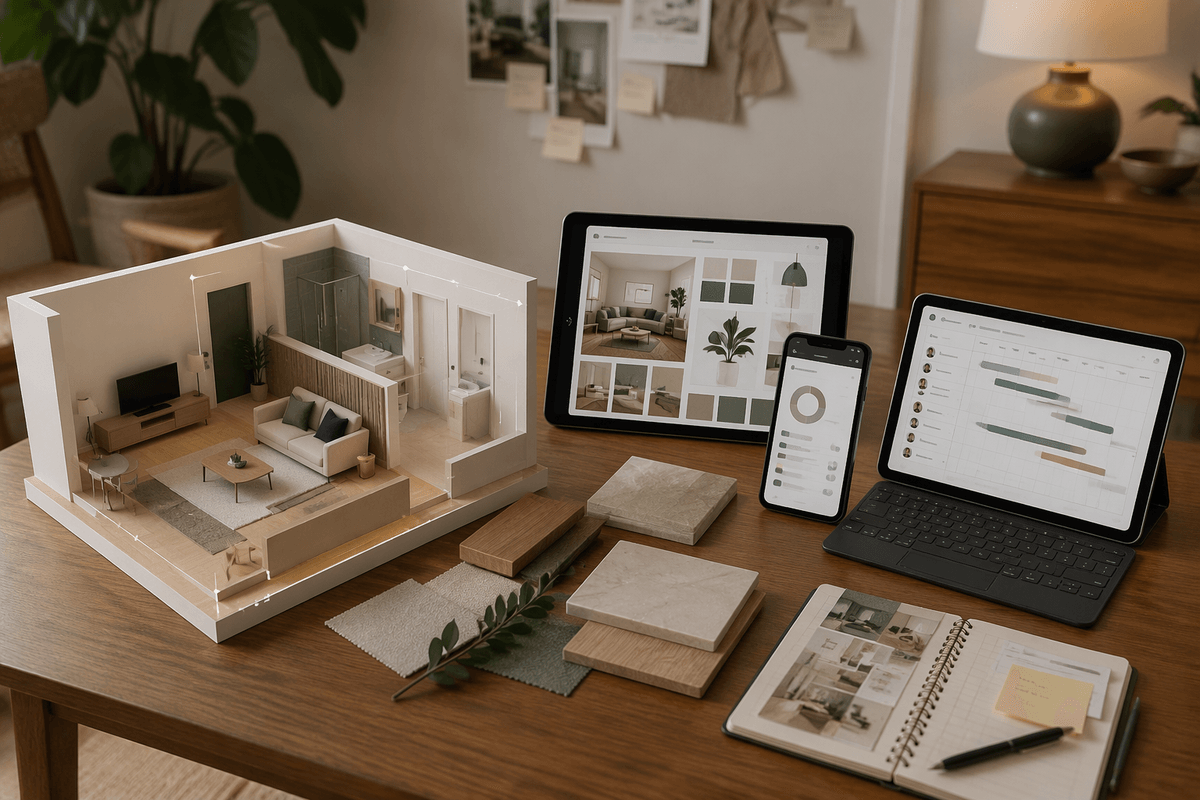
Once the planning problems are separated, compare apps by the job they handle best rather than by the number of features listed on the product page. Floor-plan apps are strongest for measuring spaces, testing furniture placement, and checking circulation. Design visualizers are better for experimenting with colors, finishes, lighting, and decorative styles. Budgeting tools help organize prices, quantities, and allowances, while project-management apps are useful for assigning tasks, recording decisions, and tracking deadlines.
This comparison makes trade-offs easier to see. A layout tool may offer impressive 3D views but limited cost tracking. A budgeting app may calculate totals well but provide little help with room proportions or appearance. Some tools combine several functions, yet their measurements, product catalogs, or export options may be less flexible than those of a focused app. Check whether the app supports the level of detail your project requires, how easily information can be edited, and whether sharing or collaboration is included. For a single-room update, a simple specialist tool may be faster. A larger renovation may justify using two complementary apps instead of accepting one tool’s weaknesses.
When Floor Plans and Room Layouts Matter Most
A floor-plan app becomes especially valuable when the room’s fixed dimensions limit your choices. Kitchens, bathrooms, narrow hallways, and open-plan areas can look simple until door swings, appliance clearances, walkways, and window locations are added. Entering those details lets you test whether a sofa leaves enough passage space, whether cabinet doors can open together, or whether a dining table reduces access to another room. These checks are more useful than a polished rendering because they address problems that are expensive to discover during installation.
Look for tools that allow precise measurements, adjustable wall lengths, doors and windows, multiple rooms, and furniture with editable dimensions. Being able to switch between a two-dimensional plan and a three-dimensional view can reveal issues that one view misses. However, app-generated measurements are not a substitute for careful site checking. Walls may not be square, floors may vary in level, and existing plumbing or electrical points may restrict the layout. For projects involving construction or built-in work, confirm the final plan against the actual space and any professional requirements before ordering materials.
Can the App Keep Your Budget on Track?
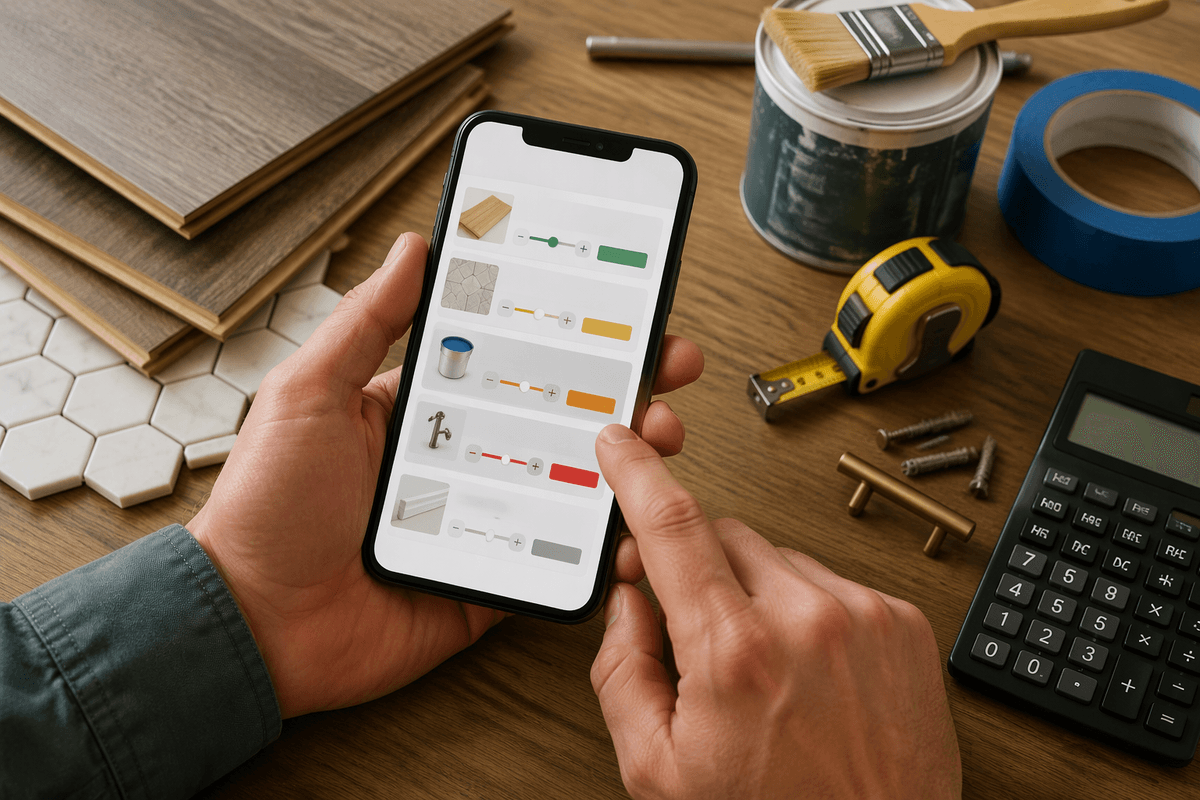
A budget feature is useful when it turns a rough spending limit into a working plan. Look for tools that separate materials, labor, delivery, taxes, and contingency funds instead of showing one estimated total. Quantity fields are important for flooring, tile, paint, and hardware because changing a measurement should update the expected cost. Price notes, receipts, and links to selected products can also make it easier to explain why the budget changed.
These tools are most reliable when you enter current prices and realistic quantities yourself. Product catalogs may use outdated prices, regional availability may differ, and estimates often exclude demolition, waste, tools, or professional installation. A low initial total can therefore create false confidence. Check whether the app supports custom items, multiple budget versions, exports, and shared access if someone else is making purchases. For a small decorating project, a simple spreadsheet-style app may be enough. Larger renovations benefit from category totals and change tracking, but they also demand regular updates. An app can reveal overspending early; it cannot prevent purchases that were never recorded.
Visualize Finishes and Coordinate the Work
Once the layout and budget are reasonably clear, visualization tools help resolve choices that measurements alone cannot answer. Test flooring, wall colors, cabinet fronts, tile patterns, hardware, and lighting in the actual room rather than relying on isolated product images. The most useful apps let you save several versions and compare them side by side. Check whether colors appear differently under daylight and artificial light, and remember that digital samples may not reproduce texture, sheen, or exact color accurately. Requesting physical samples remains important for finishes that cover large areas.
Coordination features matter when the renovation includes several purchases, helpers, or work stages. A useful app should let you turn decisions into tasks, assign responsibility, attach measurements or receipts, and record dependencies such as ordering cabinets before scheduling installation. Shared access can reduce duplicate purchases, but too many notifications or complicated update requirements may discourage regular use. Keep the system simple enough to maintain: one current finish schedule, one task list, and clear notes about pending decisions. For a small project, these features may be unnecessary. For a multi-room renovation, they can expose delays and unfinished choices before they disrupt the schedule.
Choose the App That Fits Your Workflow
The best app is the one you will keep using as decisions change. For a small decorating project, prioritize quick measurements, visual comparisons, and easy editing. For a kitchen or bathroom remodel, favor accurate layouts, custom dimensions, budget categories, and exportable plans. If several people are buying materials or completing tasks, shared lists and clear responsibility may matter more than advanced 3D views.
Test an app with one real room before committing to a subscription or entering an entire renovation. Check how easily you can correct measurements, add custom products, compare versions, and retrieve information on your phone or computer. A combination of simple tools may work better than an all-in-one platform, provided you keep one current record for measurements, costs, finishes, and tasks. Choose the tool that reduces decisions and prevents omissions, not the one with the longest feature list.