Choosing Between Two Very Different Nutrition Trackers
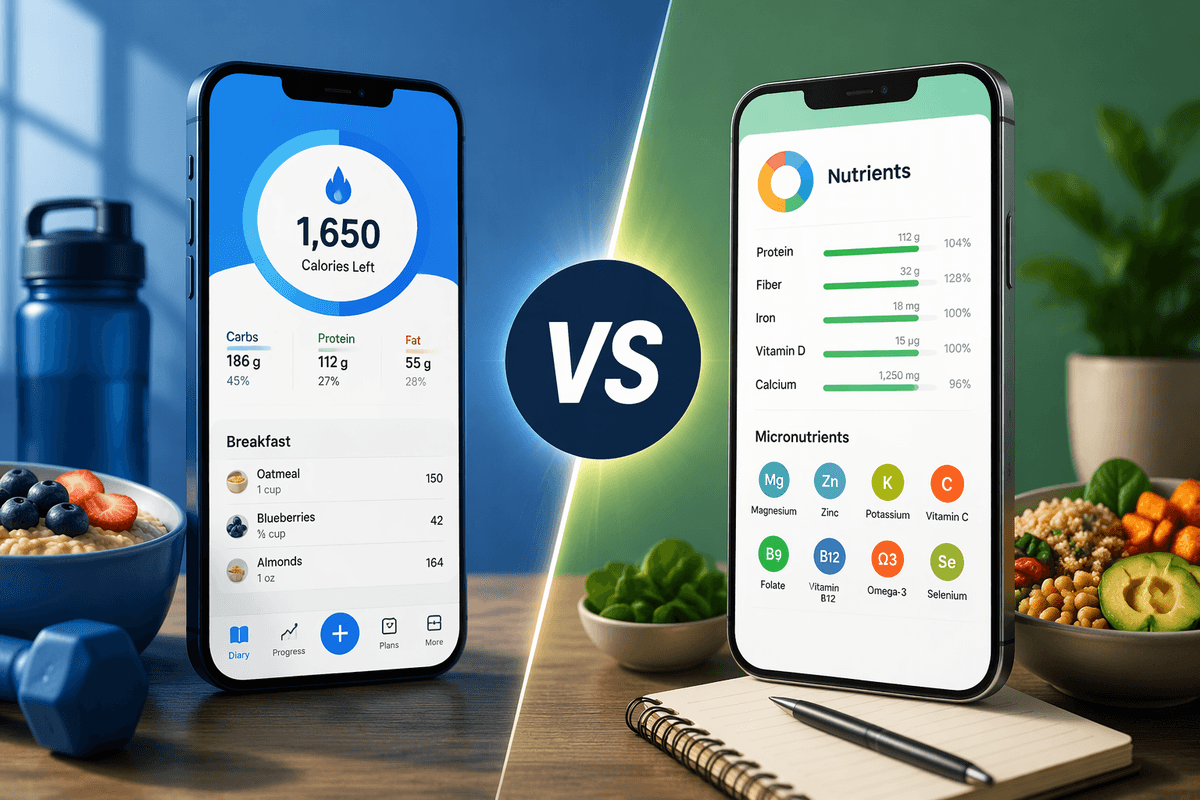
Choosing between MyFitnessPal and Cronometer can look like a simple matter of comparing calorie targets, exercise tools, and subscription features. In practice, they support different tracking styles. MyFitnessPal generally suits people who want fast, familiar food logging with minimal friction. Cronometer is better aligned with users who want a more detailed view of vitamins, minerals, and the nutritional makeup of each meal.
That difference matters more than the length of either app’s feature list. A large food database can make logging convenient, but inconsistent entries may reduce confidence in the numbers. More detailed nutrition data can improve analysis, but it may require more careful searching and verification. The better choice depends on which kind of effort you are most likely to maintain.
Start With Your Actual Nutrition Goals
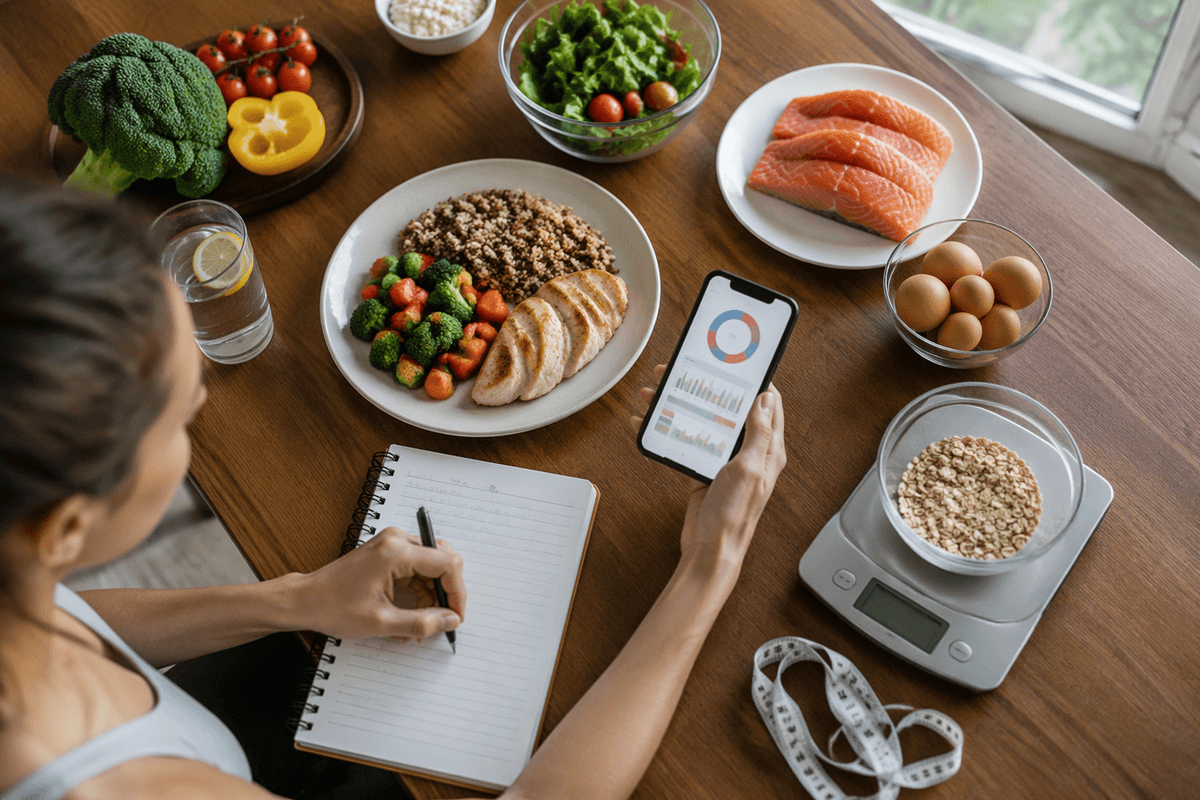
A person trying to lose weight may care most about quick calorie logging, reliable portion estimates, and a target they can follow without much daily effort. Someone managing protein intake, monitoring iron, or checking vitamin and mineral coverage has a different problem. For that user, calories are only one part of the decision, and a basic food diary may not provide enough detail.
Your goal also determines how much accuracy and customization you need. If you mainly want awareness of eating patterns, either app may work as long as logging remains convenient. If you follow a medical diet, have specific nutrient targets, or regularly analyze meals, the quality and completeness of the underlying data become more important. That extra detail can take more time, especially when foods require label checks or adjustments. Before comparing features, decide whether your priority is speed, broad food tracking, detailed nutrient analysis, or a balance of all three.
Which App Makes Food Logging Easier?
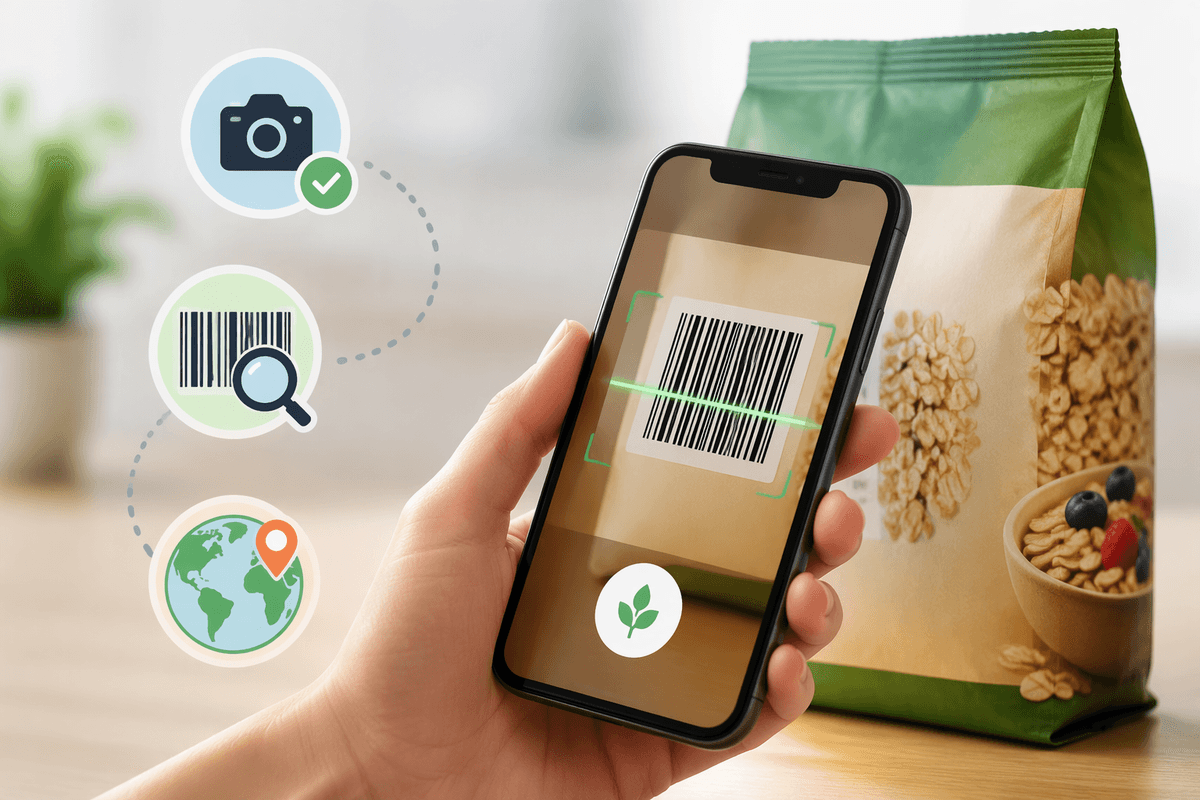
For most people, the easier app is the one that gets the correct food into the diary with the fewest interruptions. MyFitnessPal usually has an advantage when you are logging common packaged foods, restaurant meals, or familiar recipes. Its broad database and barcode-based workflow can make repeated entries quick, particularly when you eat similar meals from week to week. The trade-off is that search results may include multiple user-created entries with different serving sizes or nutrient values, so the first result is not always the best one.
Cronometer tends to feel more deliberate. Its database is generally more structured, and entries often provide a fuller nutrient profile, which helps when detail matters. However, finding an exact product or matching a serving size can take longer, especially for regional foods, mixed dishes, or items without a precise listing. Recipe tools can reduce that effort once meals are saved, but the initial setup still requires patience. If logging speed determines whether you record meals consistently, MyFitnessPal may fit better. If confidence in the data matters more than a few extra taps, Cronometer deserves closer consideration.
Calories Are Similar; Nutrient Detail Is Not
Once the food is logged, both apps can handle the basics: calories, protein, carbohydrates, fat, and other common macronutrients. For a straightforward weight-loss or maintenance plan, that information may be enough. Differences become clearer when you look beyond the calorie total. Cronometer places more emphasis on vitamins, minerals, amino acids, fatty acids, and other detailed nutrients, making it easier to spot patterns such as low iron, fiber, potassium, or vitamin D intake.
MyFitnessPal can still support macro-focused goals, but its nutrient detail may feel less consistent because entries vary in completeness. Some foods include only calories and macronutrients, while others provide a much broader label profile. That does not make the app unusable; it simply limits how confidently you can analyze micronutrients across a full day. Cronometer’s added detail is most useful when you are deliberately checking nutritional coverage, but it also creates more information to interpret and maintain. For casual calorie tracking, that extra depth may add clutter rather than value. Choose MyFitnessPal when broad calorie and macro awareness is sufficient, and Cronometer when the quality and range of nutrient data are central to your decisions.
Where Goals, Exercise, and Coaching Diverge

The difference becomes clearer when exercise changes your calorie budget. MyFitnessPal is often more convenient for users who want workouts, daily calorie targets, and “net calorie” adjustments in one familiar system. That can be useful for people who regularly record walking, gym sessions, or classes and want activity reflected in their remaining intake. It can also create confusion: exercise calorie estimates are not exact, and eating back all reported calories may undermine a weight-loss plan.
Cronometer also supports exercise and personalized targets, but its approach tends to keep the focus on measured nutrition and detailed daily reports. That suits users who want to compare intake with specific nutrient goals rather than rely mainly on a remaining-calorie number. Coaching is another point of separation. MyFitnessPal increasingly emphasizes guided plans and personalized suggestions, while Cronometer’s coaching tools fit more naturally around its nutrient data and dietary settings. These features can help with consistency, but they do not replace judgment, especially when goals involve medical conditions, performance training, or major changes in body weight. Choose the app whose guidance supports your decisions without making the diary harder to interpret.
Free Features, Premium Costs, and Data Trust
Free access can be enough for basic calorie tracking, but the limits matter once your routine becomes more demanding. MyFitnessPal’s free version may cover everyday logging, while some planning, analysis, or convenience features require a subscription. Cronometer also reserves selected tools and deeper customization for paid users, although its free experience may feel more useful to people who mainly want detailed nutrient reports. Compare the tasks you perform every day, not the number of features listed on a pricing page. A subscription is only worthwhile if it removes a barrier you regularly encounter.
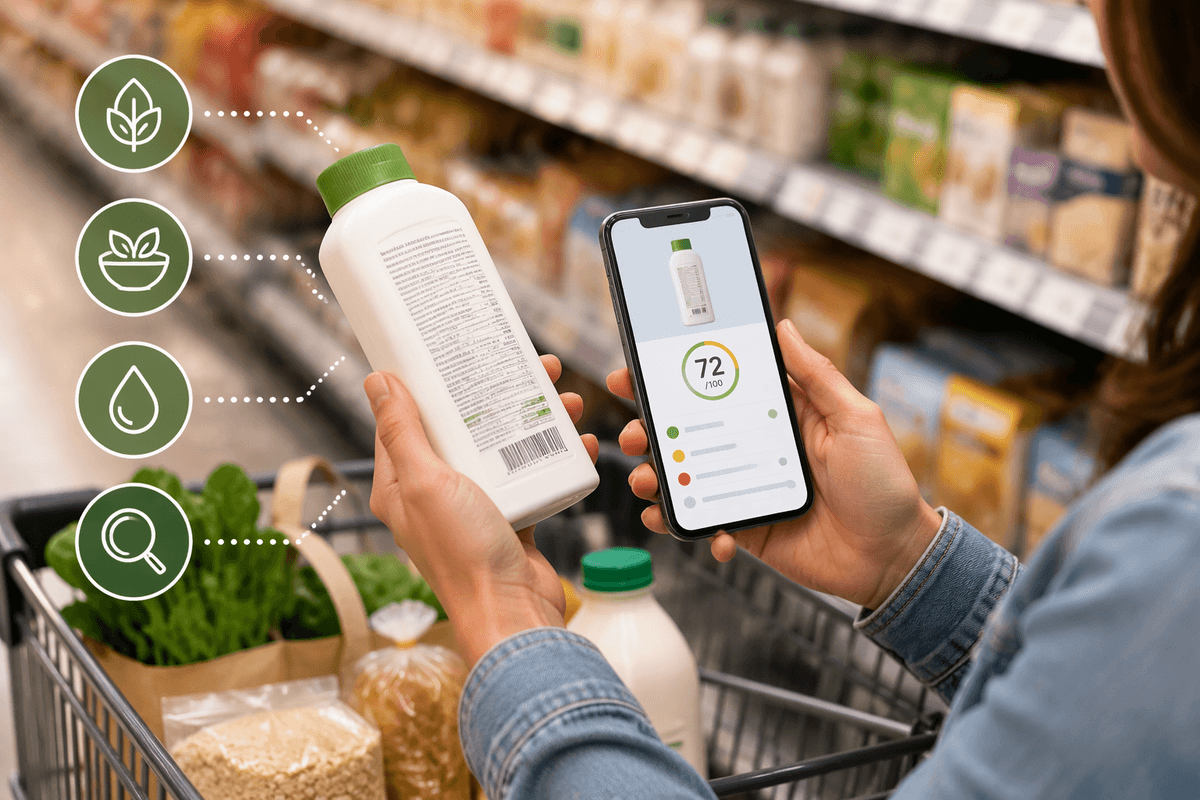
Data trust deserves equal attention. MyFitnessPal’s large, community-built database can make unusual foods easy to find, but duplicate or incomplete entries require checking labels and serving sizes. Cronometer’s more controlled entries can support greater consistency, yet no database is perfectly complete, and branded products may still need verification. Both apps depend on accurate portions, recipes, and exercise estimates, so neither should be treated as a laboratory measurement. If you want convenience and broad coverage, MyFitnessPal may justify its compromises. If dependable nutrient detail matters more, Cronometer’s narrower, more structured approach may be worth the extra effort.
The Better App Depends on What You Will Sustain
The better app is the one you can use consistently when meals are rushed, recipes change, or motivation drops. Choose MyFitnessPal if quick logging, a broad food database, and straightforward calorie or macro tracking are your main priorities. Choose Cronometer if you are willing to spend more time verifying entries and want a clearer view of micronutrients, nutrient targets, and dietary patterns.
Neither choice removes the need to check portions, labels, and exercise estimates. A detailed dashboard cannot compensate for incomplete logging, while a convenient database can still contain questionable entries. Start with the app that matches your most important goal, use it for several weeks, and judge whether it makes accurate tracking easier to sustain. The practical winner is not the app with the longest feature list, but the one that supports the decisions you actually make.