Choosing Between Discord and Reddit
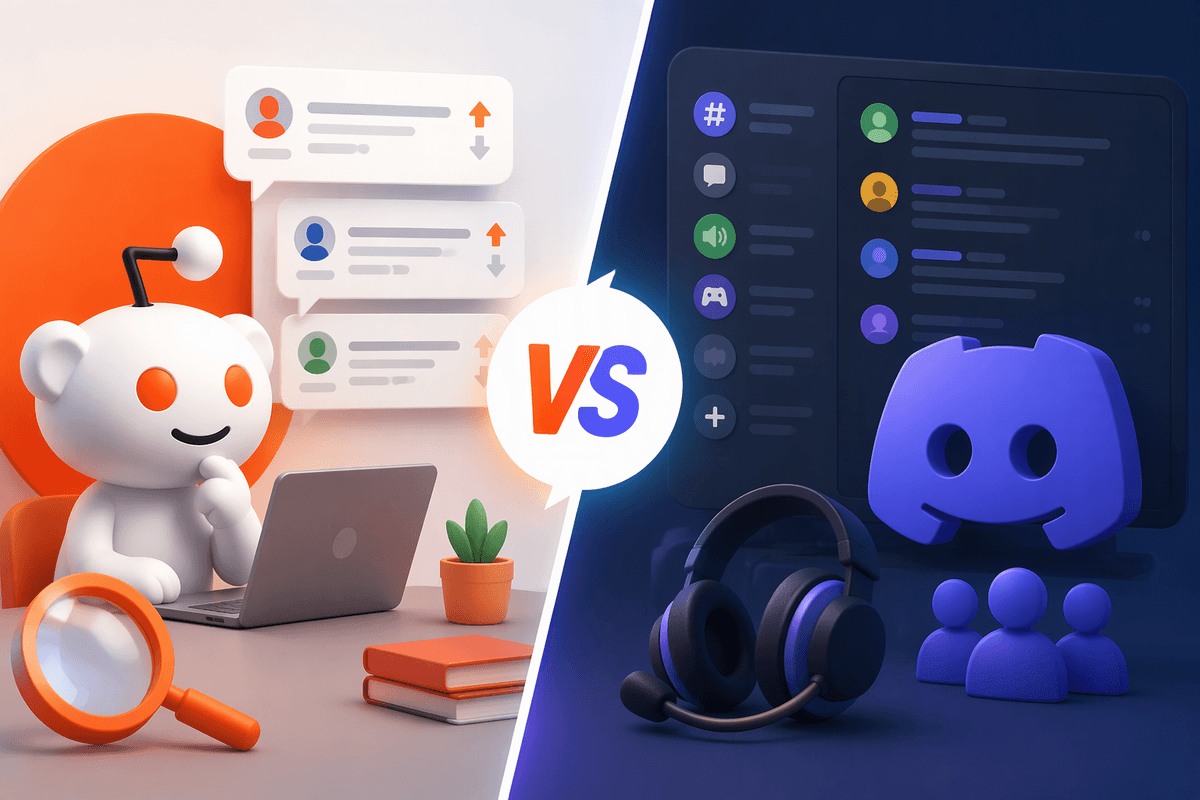
Choosing between Discord and Reddit depends less on which platform is “better” and more on how you want to participate. Reddit is generally easier for finding public discussions, comparing advice, and browsing topics without joining a specific group. Discord is built more around membership, live conversation, and repeated interaction with the same people. That difference affects what you see, how quickly conversations move, and how much context you need before contributing.
Reddit can feel like a searchable library of opinions, while Discord often feels closer to entering an active group chat with separate rooms for different interests. Each model has drawbacks: Reddit discussions may attract brief or inconsistent replies, while Discord communities can be difficult to discover and overwhelming when many conversations happen at once. The right choice starts with whether you need broad discovery or a more continuous community experience.
Start With How You Want to Participate
Start by identifying the kind of participation you actually want. If you are trying to read several viewpoints, ask a focused question, or compare solutions from people you do not know, a public, thread-based format may suit you better. You can usually enter a discussion, scan earlier replies, and leave without committing to a particular group. That makes the experience efficient, but it can also feel impersonal and uneven.
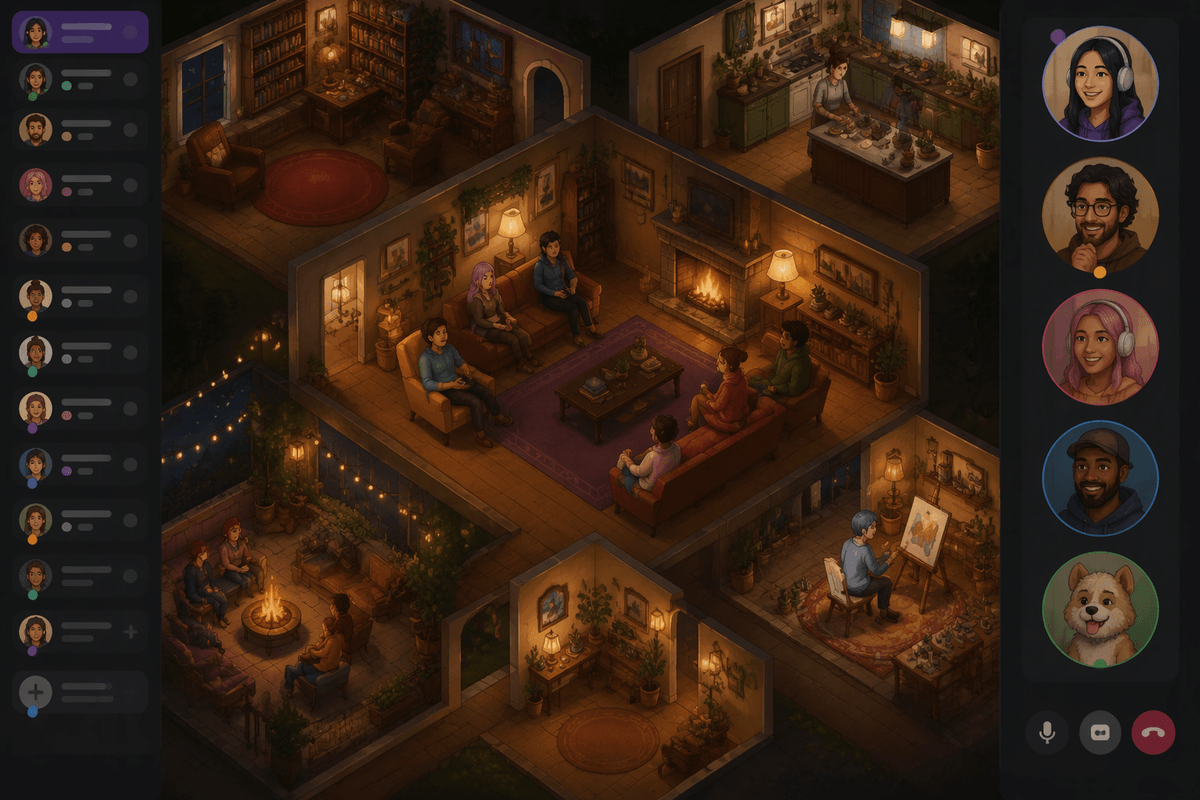
If you want recurring conversations, quick responses, or a place where people recognize your name, a server-based community may be the better fit. Discord gives more weight to presence: useful interaction often depends on joining the right server, understanding its channels, and returning often enough to follow ongoing conversations. This can produce stronger relationships, but it requires more time and attention. Before choosing a platform, decide whether your priority is collecting information with minimal effort or becoming part of a continuing group. That distinction will guide the rest of the comparison.
Reddit Works Best for Discovery
Reddit is usually the easier platform when you are still figuring out where to look. Communities are organized around topics, and posts can remain available long after the original conversation ends. That makes it practical to search for product advice, troubleshooting steps, personal experiences, or competing opinions before deciding which answers deserve attention. You can also compare several threads instead of relying on one group’s shared assumptions.
That openness comes with limits. Popular posts may attract shallow replies, outdated advice, or confident answers from people with little relevant experience. Community quality can differ sharply between subreddits, and useful discussions may be pushed down by newer activity. Reddit is therefore strongest as a discovery and comparison tool, not a guarantee of expert guidance. It helps you map the available perspectives quickly, identify recurring recommendations, and decide which communities or individuals are worth following more closely.
Discord Favors Ongoing Connection
Discord is more useful when the value comes from returning to the same community rather than scanning many unrelated discussions. Servers often divide conversation into channels for questions, announcements, troubleshooting, hobbies, or social chat, so members can build familiarity and context over time. That makes it easier to ask follow-up questions, share progress, and get responses from people who already understand the group’s norms. Voice chat and live events can add a level of interaction that Reddit’s primarily asynchronous format does not provide.
The trade-off is access and visibility. You usually need an invitation, server link, or recommendation before you can evaluate a Discord community, and many servers are private or poorly organized. Fast-moving channels can also make useful answers difficult to find later, especially when moderation is inconsistent. Discord works best when you have a specific interest and want repeated contact with a focused group. It is less efficient when you are starting from scratch, comparing broad opinions, or looking for a searchable record of past advice.
Compare Privacy, Pace, and Community Culture
Privacy can shape the experience as much as topic or format. Reddit lets you participate with limited personal information, which can make it easier to ask sensitive questions or separate community activity from your offline identity. However, public posts may remain visible for years, and account history can reveal more than expected. Discord servers may feel more private because access is controlled, but joining a server often connects you to a persistent profile, shared channels, and sometimes voice conversations. Private access does not automatically mean confidential communication.
Pace also changes how much effort participation requires. Reddit is generally slower and easier to approach on your own schedule, while Discord rewards regular attention because conversations can move rapidly and important messages may disappear into the stream. Culture follows from that pace. Reddit communities often emphasize voting, debate, and individual posts; Discord groups tend to emphasize familiarity, informal rules, and social presence. Neither structure guarantees a helpful community. A large subreddit may be impersonal, while a small server may be welcoming but overly narrow or resistant to outside viewpoints. Look for clear moderation, recent useful activity, and norms that match the way you prefer to interact.
Match the Platform to Your Specific Goal

The best platform depends on the job you need it to do. For product research, troubleshooting, or comparing personal experiences, Reddit is usually the more efficient first stop because search and post history help you gather several perspectives quickly. It also works well when you want an answer without becoming a regular member of a group. For immediate feedback, shared projects, gaming, study groups, or hobbies that benefit from repeated contact, Discord is often a better fit. Its channels and live interaction make follow-up easier, particularly when members recognize your situation and can respond with context.
Your goal may also determine how much uncertainty you can tolerate. If you need a broad range of opinions, Reddit gives you more visibility but requires careful judgment about outdated or unreliable advice. If you need trusted help from a focused group, Discord may offer stronger continuity, but finding the right server can take time and access may depend on an invitation. A practical approach is to use Reddit to identify common questions, recommended tools, or active communities, then move to Discord when you want ongoing support. Choose the platform that reduces the main difficulty in your task rather than the one with the most features.
Use Both Without Duplicating Your Effort
Using both platforms can work well when each has a distinct role. Start on Reddit to search existing discussions, compare recommendations, and identify recurring problems or promising communities. If a topic points toward a Discord server, join only when ongoing conversation, faster feedback, or direct collaboration would add real value. This avoids repeating the same question in multiple places and gives you a reason to move beyond browsing.
Keep the information flow organized. Save useful Reddit threads, summarize the key details when asking on Discord, and avoid expecting members to recreate advice already available elsewhere. Discord may provide stronger follow-up, while Reddit remains useful for public documentation and outside perspectives. The practical limit is time: maintaining both accounts, notifications, and community expectations can become unnecessary work. Use each platform for what it does best, and leave the less useful one quiet.