Why Plant Care Apps Can Make a Difference
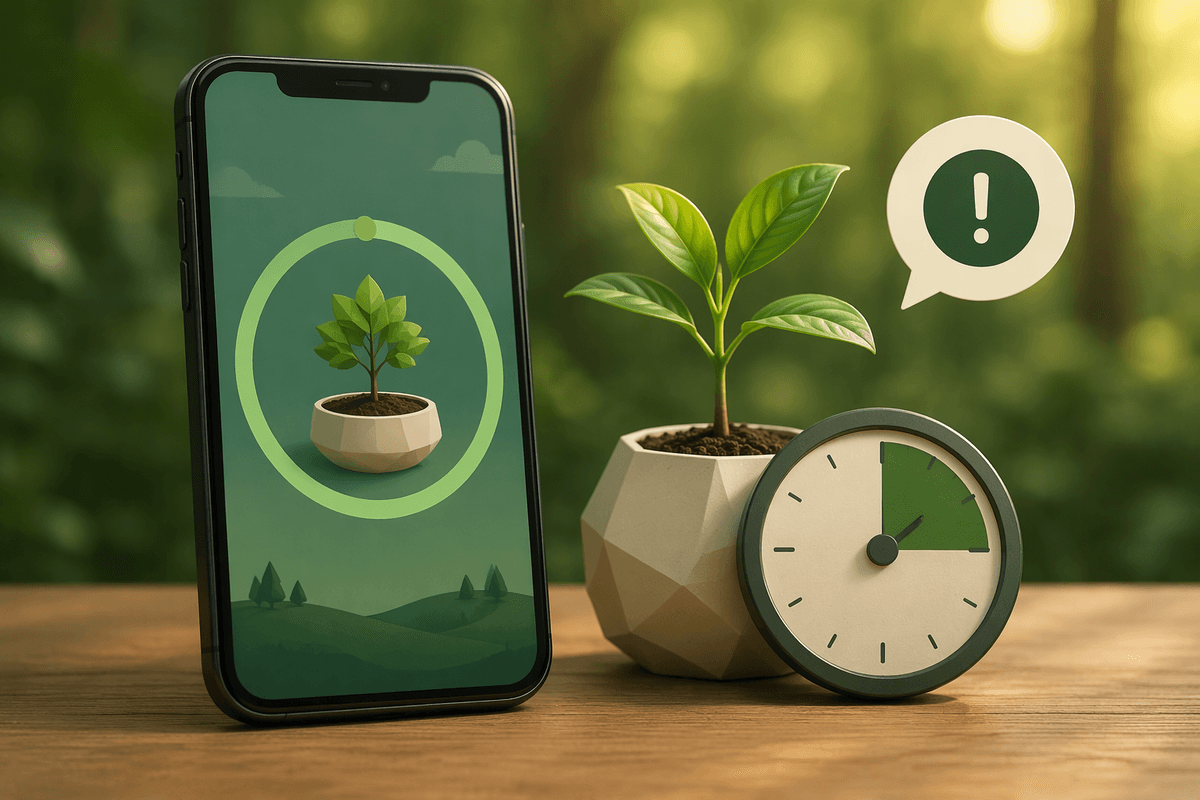
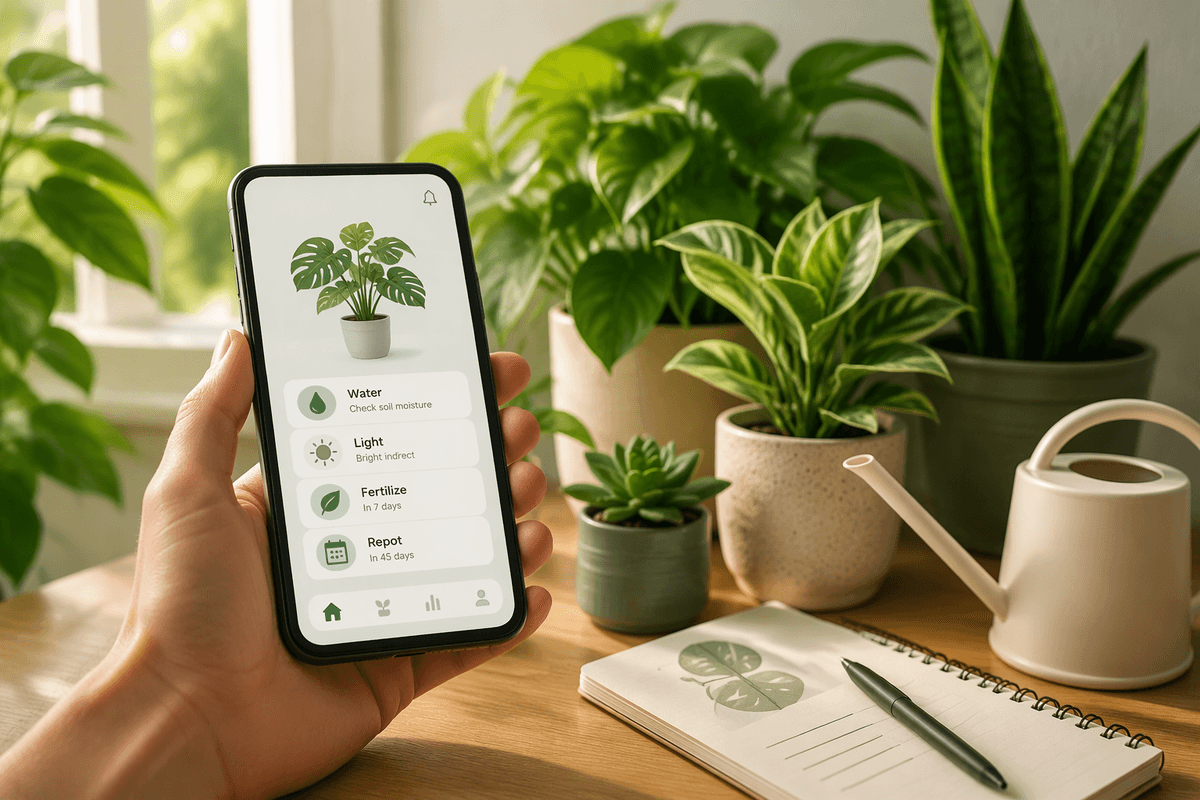
Many indoor plant problems begin with small inconsistencies: watering a week late, moving a plant into weak light, or forgetting when fertilizer was last applied. A plant care app can reduce that mental load by keeping basic records and turning scattered advice into a routine. For a beginner managing several species, that may mean fewer missed tasks and a clearer view of what each plant needs.
The benefit depends on the app’s accuracy and how well it fits daily habits. A useful tool should offer plant-specific guidance, adjustable reminders, reliable identification, and simple tracking rather than sending identical alerts for every pot. Apps cannot measure every household condition or replace observation, so their recommendations still need to be checked against soil moisture, light, season, and the plant’s actual response.
Which Features Actually Support Healthier Plants?
The most useful feature is not a larger plant database but guidance that reflects real differences between plants. Reminders should be adjustable by species, pot size, season, and growing conditions, with options to delay or skip a task. A fixed alert that says “water today” is less helpful than a prompt to check moisture before watering. Light guidance is also valuable when it explains whether a plant needs bright indirect light, direct sun, or gradual adjustment.
Identification tools can help beginners recognize common plants, yellowing leaves, or visible pests, but they should present likely causes rather than confident diagnoses based on one photo. Look for care instructions that explain what to observe and what action to try. Tracking features should make it easy to record watering, feeding, repotting, and changes in location without becoming a second chore. Photos and notes are useful for spotting patterns over time. The main limitation is data quality: an app may not know your room’s humidity, window exposure, soil mix, or drainage. Features support healthier decisions only when they remain simple enough to use consistently.
When Reminders Help—and When They Mislead
A reminder is most useful when it prompts an observation rather than dictates an action. “Check the soil for moisture” gives a better starting point than “water your pothos today,” because evaporation varies with pot size, indoor temperature, season, and light. Adjustable schedules can still help with tasks that are easier to overlook, such as rotating a plant, checking for pests, or recording fertilizer use. They are especially valuable for owners with many plants or irregular routines.
Reminders become misleading when they imply that every plant follows a fixed calendar. Watering on schedule can leave slow-draining soil saturated, while delaying care for a plant in a hot, bright window may cause stress. Feeding alerts can also encourage unnecessary fertilizer, particularly during winter or when a plant is already growing poorly. A practical app should let you change intervals, pause seasonal tasks, and mark a task complete only after checking the plant. Treat notifications as memory aids, not measurements. The soil, leaves, pot weight, and current growing conditions remain more reliable evidence than an alert generated from a general schedule.
Using Apps to Diagnose Yellow Leaves and Pests
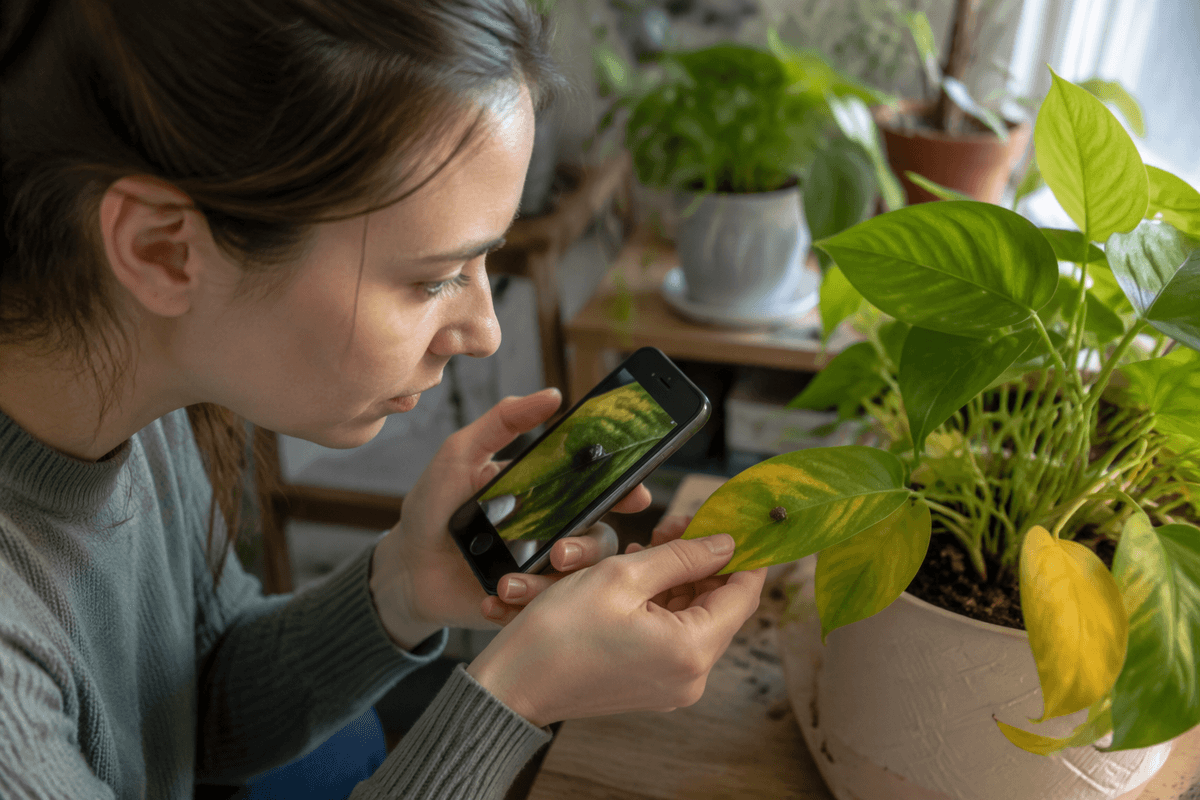
When a leaf turns yellow or develops spots, an identification tool can narrow the possibilities quickly. A photo-based app may recognize common pests such as spider mites, mealybugs, or scale, and it can suggest whether yellowing is linked to overwatering, weak light, nutrient problems, or normal aging. This is especially useful for beginners who may not know what to inspect first. The strongest tools explain the clues behind a suggestion, such as dry stippling, webbing, soft stems, or yellowing that begins with older leaves.
Accuracy still depends on the photo and the information provided. A shadowed image, damaged leaf, or incomplete description can produce a plausible but incorrect result. Treat the diagnosis as a shortlist, then check the soil, roots, drainage, leaf undersides, and recent changes in light or watering. Pest advice should also include practical limits: serious infestations may require repeated treatment, isolation from other plants, and careful product use. Apps that let you save photos and notes are more valuable than one-time scanners because they help reveal whether a problem is spreading or improving after a change in care.
Choosing an App for Your Plant Collection
Choosing an app starts with the collection you actually manage, not the longest feature list. If you own a few common houseplants, simple reminders, basic identification, and a clean watering log may be enough. A larger collection needs search, plant grouping, photo history, customizable schedules, and notes for different rooms or light levels. Check whether the app supports the plants you grow and allows you to edit care instructions when its default advice does not match your conditions.
Compare identification tools carefully. A useful scanner should explain possible causes and let you review or correct the result, rather than treating one photo as a final diagnosis. Care guidance should cover light, watering, feeding, humidity, and seasonal changes in plain language. Also consider how much time the app adds to your routine. If logging every minor task feels burdensome, you are unlikely to maintain accurate records. Cost matters too: a free app may cover reminders but restrict plant entries, diagnoses, or history. The best choice is usually the simplest app that handles your collection size, offers adjustable guidance, and fits the way you already inspect and care for plants.
Free, Premium, and Privacy Trade-Offs
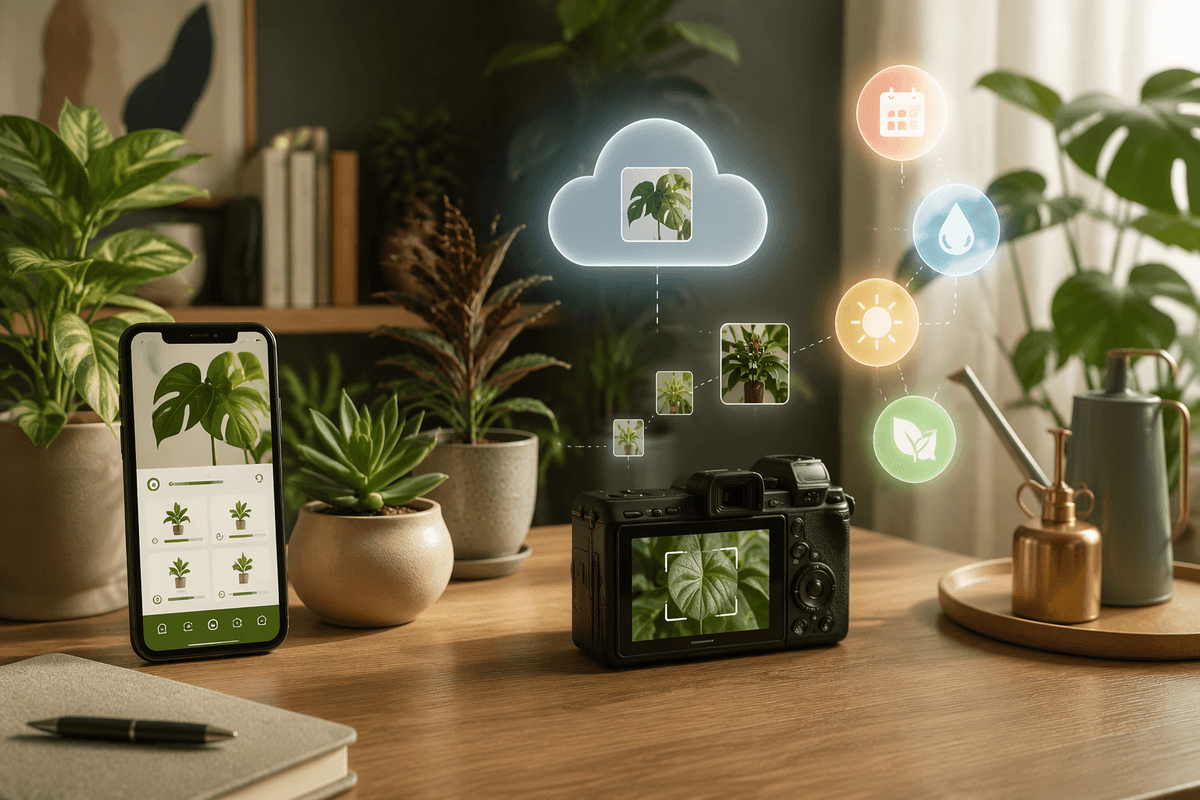
A free plant care app may provide enough for a small collection: basic reminders, a limited plant library, and simple watering logs. Its main cost may be convenience rather than money. You might encounter advertisements, fewer customization options, limits on the number of plants, or locked access to diagnosis history and detailed care guidance. Those limits matter if you want to track seasonal changes or compare symptoms over time, but they may be irrelevant if you only need occasional prompts.
Premium plans are worth considering when they remove a specific obstacle, such as restricted plant entries, advanced identification, cloud backup, or flexible reminders. Avoid paying for features you will not use, especially if the subscription renews automatically. Privacy deserves the same practical attention. A photo-based app may collect plant images, location data, device information, or account details, while some features require cloud processing. Review what data is collected, whether it is shared, and whether the app works without an account. A cheaper app with local storage may be preferable if you want to record care without creating a detailed usage profile.
A Practical Way to Pick the Right App
Start by listing the tasks you actually want help with: watering checks, feeding dates, plant identification, pest monitoring, or light tracking. Then compare apps using the same sample plants and routine. Test whether reminders can be adjusted, diagnoses explain uncertainty, records are easy to edit, and care advice matches your rooms and seasons. If an app requires extensive data entry before becoming useful, it may not suit a casual grower. A short trial is more informative than a long feature list.
Choose the least complicated option that solves your main problem without creating new work. Confirm the number of plants supported, subscription terms, privacy settings, and whether useful records remain available if you stop paying. After choosing, use reminders as inspection prompts and review the advice against soil moisture, light, drainage, and visible changes. The right app should improve your decisions, not replace them.